
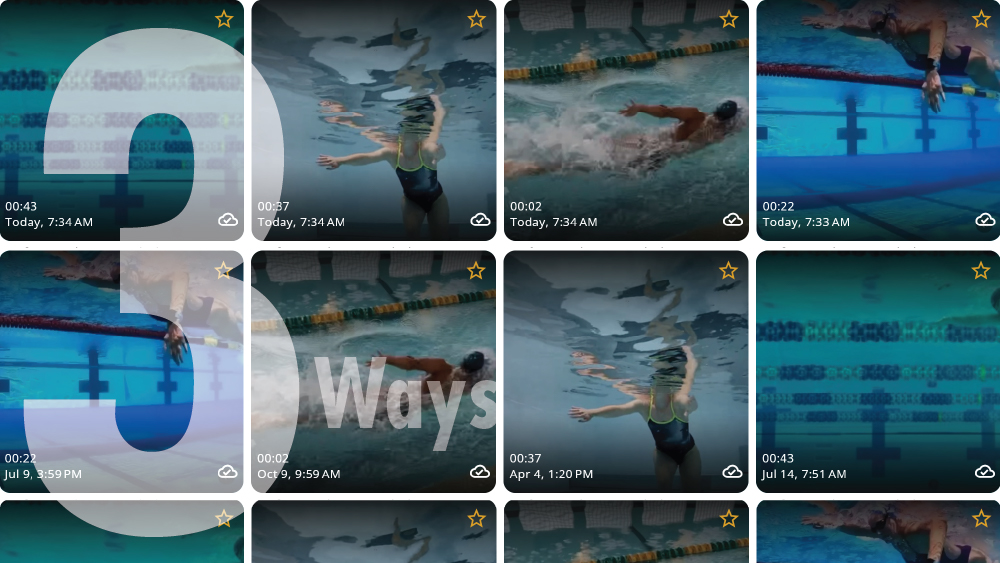
At Onform, video analysis is at the heart of what we do. We’re dedicated to helping coaches assess their athletes’ form and provide feedback using our intuitive drawing markup tools and voiceovers. Sharing your knowledge has never been easier, thanks to Onform’s built-in sharing features. We’ve focused on making the process fast and incredibly simple. Here are three easy ways to share videos with your athlete: app to app, via email or weblink, and embedding into other apps.
App-to-App Sharing
The default way to share videos is “app to app.” Onform operates like any other messaging platform where each person installs the app, allowing sharing of videos and text messages directly in the app. After recording a video in an athlete’s library, you can either open the video, tap the “3 dots” icon, and select share, or long press the video in the Library view, tap share, and choose their name.
This method assumes you’ve added the athlete to Onform and invited them to join, a simple process described in this video. Every video recorded in the app is automatically synced to our private cloud. When you select the recipient, you can add an optional text message and even share with multiple people at once. They’ll receive an iOS or Android notification, and by tapping on it, they can instantly view the video in their own private Onform app organized by date. With this sharing mode, they can use the same slow-motion playback and annotation features as a coach.
We support one-to-one, one-to-many, and many-to-many sharing, making bulk sharing a breeze with just a few taps.
Share Videos via email or Weblink
Another easy way to share videos is via email. With this method, your recipient doesn’t need the Onform app. Simply send them a link to the video, which is viewable on any web browser from any device.
Here’s an example of how easy it is to share via email:
- 1) Select the video you want to share.
- 2) Tap the “Share” button and choose “Email.”
- 3) Enter the recipient’s email address and add a message if you like.
- 4) Send the email.
The recipient will receive an email with a link to view the video online. This method is quick and ensures your video can be accessed from virtually any device. However, unlike sharing directly app-to-app, they won’t have access to frame-by-frame slow motion and other popular tools the app provides like side-by-side comparisons.
Embedding into Other Apps
You can also share videos by embedding them into third-party apps like Instagram or Facebook. This method provides great flexibility and doesn’t require the recipient to have the Onform app. Here’s how it works:
- Select the video you want to share.
- Tap the “Share” button and choose the desired app (Instagram, Facebook, etc.).
- Follow the prompts to post the video directly to the app.
These options are perfect for reaching a broader audience and sharing your content quickly and easily. Similar to sharing via email or weblinks, the recipient won’t be able to use the tools in the app like side-by-side comparisons or slow motion playback.
More Than Just Videos
While we’ve focused on sharing videos, Onform also supports multiple formats like images, PDFs, Word documents, and more. All can be easily managed within the app.
At Onform, our mission is to help coaches guide athletes reach their true potential with world-class video analysis and sharing tools. By sharing your knowledge quickly and effectively, you’ll enable your athletes to improve faster and better. We’re proud to help you coach smarter and save time.
Ready to try it for yourself? Download the app to start your free trial.
Need more information? Schedule a personalized demo with a member of our team.