
Multi-Cam MAX
Studio Solutions
Instantly View Video Wirelessly on iPad from Fixed Cameras
Imagine walking into your academy, tapping “Connect to Bay 2” on your iPad, then instantly view the video feed from your cameras. Next lesson in Bay 1? No problem… walk over, tap “Connect to Bay 1” and you’re instantly paired. Your lesson workflow just got an upgrade! That’s the power of Multi-Cam MAX. It works with your existing Onform Coach account and unlocks a new level of clarity, efficiency and ease of use for your coaching.
Designed for use with multiple coaches in single or multi-bay facilities, Multi-Cam MAX lets you view fixed-camera video directly in your Onform Coach Standard or Coach Pro iPad app. Capture up to four angles at 360 fps with perfect sync to deliver deeper insights with 3D and provide faster feedback with voiceovers, drawing tools, side-by-side comparisons, and all the Onform features you already use. Each camera provides amazing stop motion capability for clarity of fast action. Un-tether yourself from the desk in the back of your hitting bay and enjoy mobile access to fixed cameras with the power of the Onform coaching platform.

Why Use Onform’s Multi-Cam MAX Studio Solution?
Works with Fixed Cameras in Your Studio
Enables existing fixed cameras to work with Onform so coaches can capture, review, and coach from iPad. Unlock the power of your cameras and the ease of use of always on, instant access for consistent angles and repeatable sessions in a bay, studio or facility environment.
Supports One or Multiple Coaches
Give every coach in your facility or academy access to the power of your fixed cameras. Instantly connect, move seamlessly from lesson to lesson across hitting bays, and unlock the full Onform experience for your entire team.
Supports Multiple Bays
Multi-Cam MAX supports a true multi coach workflow and can scale across one or multiple bays. Keep your operation consistent and efficient as you add bays, add coaches, work indoors or out, or expand locations.
Multiple Fixed Camera Options
Multi-Cam Max supports IDS, FLIR and Optitrack Primecolor cameras. Using either USB or ethernet networking enables flexible options based on your needs and your budget. The Primecolor cameras record at 60, 120, 240, 360, or 500 FPS to ensure you can capture fast action, and up to 200 FPS using the FLIR Black-fly or IDS cameras. Higher frame rates with amazing stop-motion make it easier to see small changes clearly, especially at impact or release.
Instant Wireless Viewing
Video from the fixed cameras appears in seconds on your iPad so you can coach in the moment, between swings and be closer to your athlete. Put the power of your iPad to work. Capture more swings, more throws, more jumps with ease, and deliver more useful feedback per session.
Built for Multi Angle Capture
Record from up to 4 fixed cameras and review every angle in one place on your iPad. Toggle between angles seamlessly or view all angles at once, in perfect sync, so you can see the full swing clearly without moving cameras.
Are you interested in a Multi-Cam MAX Solution for your Studio? Contact us for custom pricing or to request an invoice.

Instantly View Video Wirelessly on your iPad
Record from multiple fixed cameras and review every angle instantly in one place on your iPad. Turn every bay into a wireless studio setup with no waiting, no transferring files, and no interruptions during the lesson.
Using 3D Data to Stabilize Your Gaze and Your Golf Swing
In this game, timing is everything, but so is data. As a kinematic guy, I…

Webinar: Traits of Great Players
Hugh Marr has been coaching golf for over 35 years. He has worked with players…

Onform and GOLFZON Leadbetter Announce Global Partnership to Empower the Next Generation of Golf Coaches
[FOR IMMEDIATE RELEASE] Onform, the #1 best selling video analysis and coaching platform, is proud…
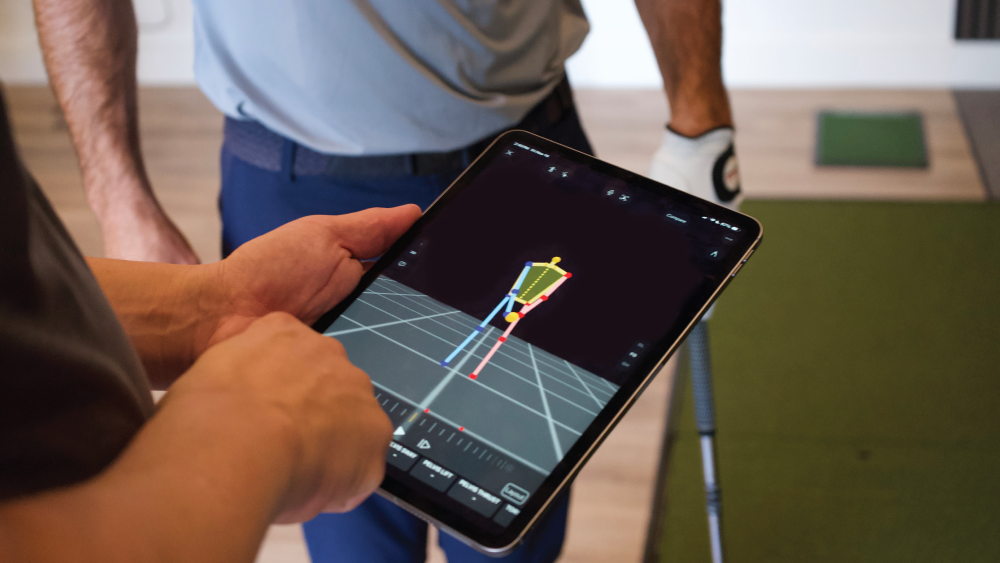
Six Red Flags to Look For in a Golf Swing by Using 3D Features in Onform
For a coach, video is often used to look at the symptoms of a bad…
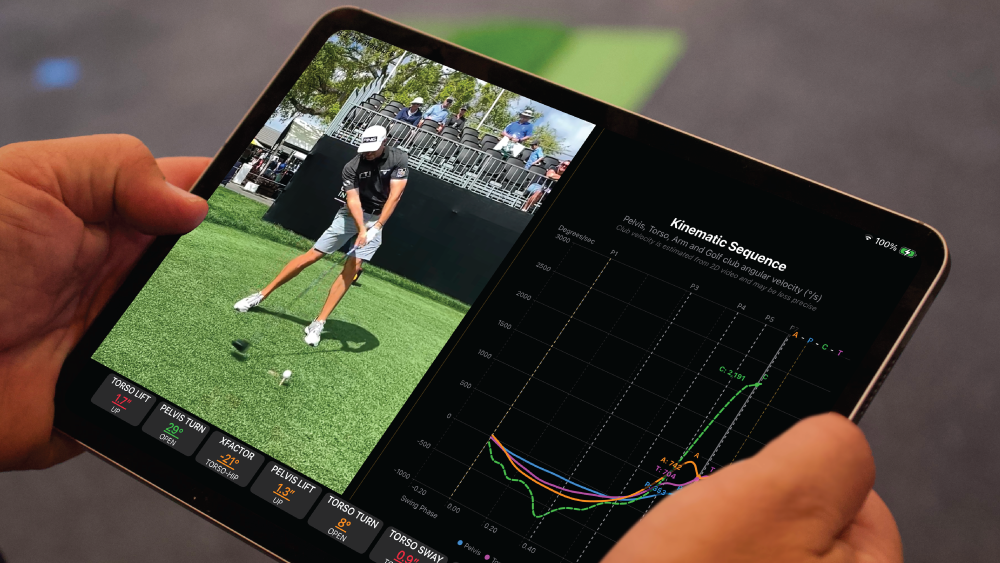
A Beginner’s Guide to Kinematic Sequence in Golf
Do you ever wonder why some “ugly” swings produce 300-yard drives while “perfect” looking swings…
X-Golf: Combining Indoor Virtual Golf Instruction with Real-Time Video Analysis
When Harry Tanner started instructing at the X-Golf location in Fort Collins, Colorado, there were…
Start Your 14-day Free Trial Today
Download Onform today and experience the power of video analysis from fixed cameras. Instantly capture movement, provide visual feedback, and support progress with seamless sharing tools. Try it free for 14 days—no credit card required. After your trial, choose the plan that best fits your needs.


For Coaches & Athletes with all features


For Coaches & Athletes with limited features
Frequently Asked Questions
Can Multi-Cam MAX work with my current fixed camera setup?
Yes, depending on the cameras you are using. Multi Cam Max works with OptiTrack PrimeColor fixed cameras (ethernet), and IDS or FLIR Blackfly fixed cameras (USB or Ethernet). If you are not sure which cameras you have, contact us and we will help you choose the right option for your needs.
Can I purchase Multi-Cam MAX for a new build/installation?
YYes. Setup is easy in studio buildouts and new installations. Share how many bays you are setting up and how many angles you want per bay, and we will recommend the right solution and provide custom pricing or an invoice. Contact us today to talk with an installation expert.
Does Onform perform the install?
Onform provides the software and setup requirements for your system. Most facilities handle installation with their internal team or an installer, and we support you through setup and configuration.
How much does Onform Multi-Cam MAX cost?
Multi Cam MAX is priced at $499 per year per bay, sharable among all coaches in your organization, plus each coach will need an Onform Coach Standard or Coach Pro subscription.
Pricing does not include cameras, computer and networking equipment. Contact us for details.
Schedule a Free 1:1 Zoom Demo
We’ll show you how Onform’s Multi-Cam MAX can help you and your studio coach more effectively.