
As the year comes to a close, we’re celebrating the Onform features that our community used and loved the most in 2024. We looked back at all the ways Onform has helped simplify coaching, improve analysis, and save time. Here are the top 10 features you’ve loved most this year:





#10 Auto-Detect
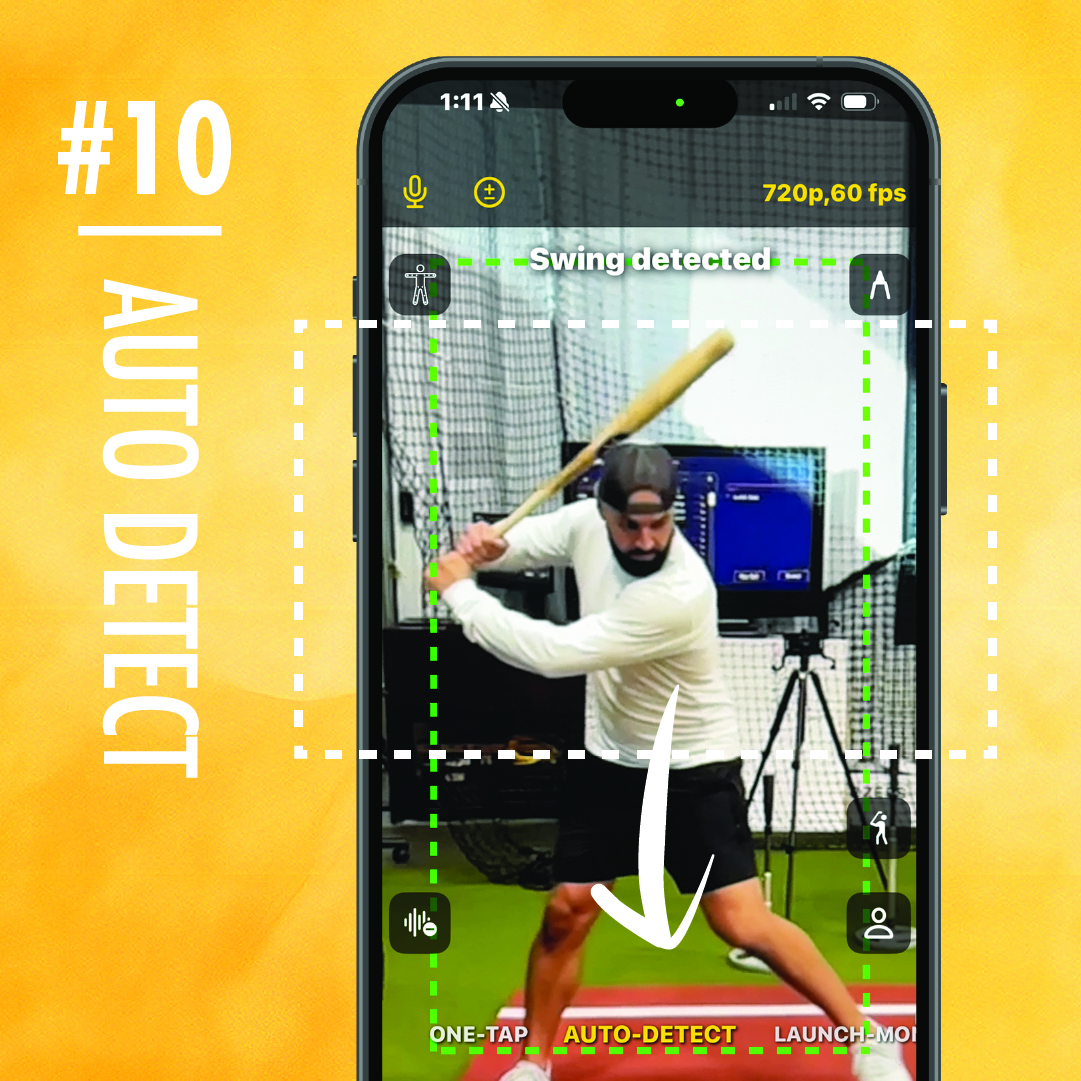
Golf, baseball, and softball coaches rely on auto-detect to automatically capture every swing. Just choose the auto-detect preset and the app will record each swing automatically. Whether you’re teaching a private lesson or leading a group at batting practice, this feature allows you to focus on coaching—not recording videos.
#9 Lesson Booking Made Simple
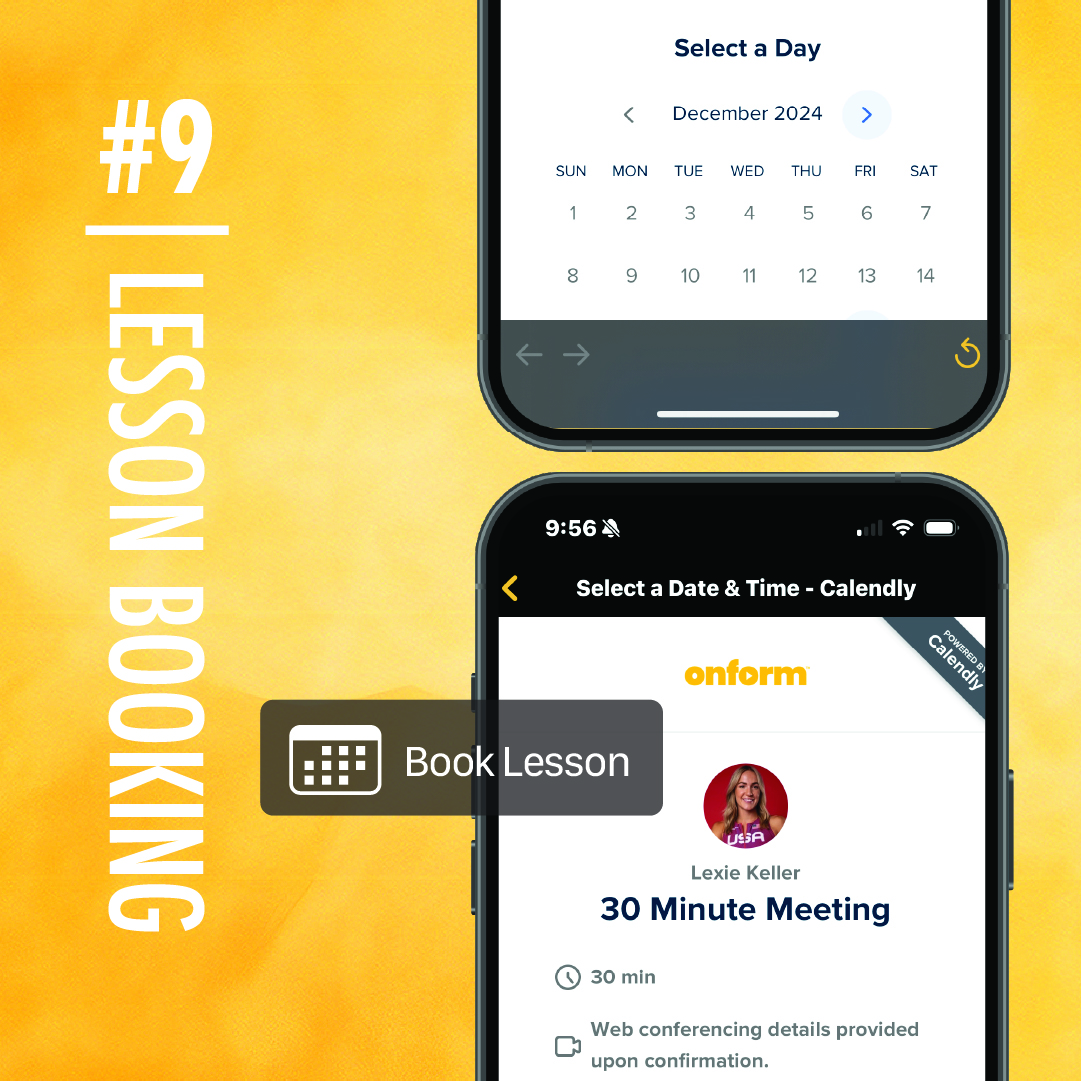
Coaches who offer private lessons love this one. You can link your lesson booking URL directly in the app. Athletes can schedule their sessions with just a few taps, and you spend less time coordinating schedules. It’s a win-win. Coaches tell us it’s a great way to keep lessons consistent and even boost revenue.
#8 Recording Modes for Every Situation
- Manual Mode: If you want to keep things simple, use manual mode. Just press record when you’re ready, and it captures exactly what you need.
- One-Tap Recording: This mode is great for quick clips. It records a few seconds before and after you hit the record button, so you won’t miss anything important.
- Auto-Detect: Want the app to do the work for you? Auto-detect automatically records every swing or pitch.
- Launch Monitor Mode: Use this mode with devices like the Full Swing KIT or Garmin R10 to capture ball and club data on every swing.
- Multi-Cam Mode: Need more than one angle? Record from up to 4 different angles simultaneously, giving you a complete picture of every movement.
#7 Shutter Speed Controls
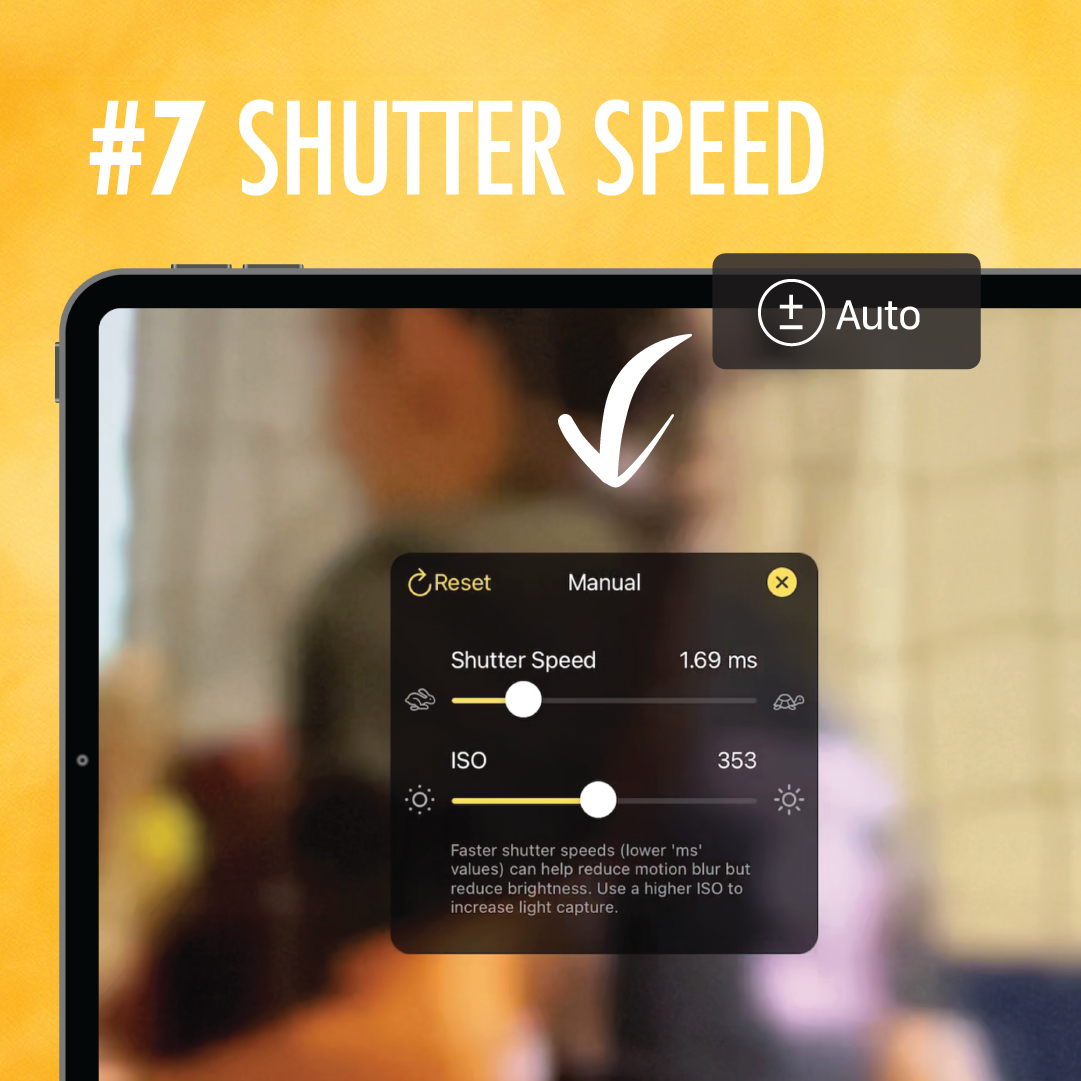
Clear video is key when analyzing technique. Our manual shutter speed controls reduce motion blur, setting us apart from other video analysis apps on the market. By adjusting the shutter speed, you can reduce or even eliminate motion blur and see every detail—like the exact point of impact in a swing. Coaches use this when they’re focusing on high-speed movements.
Pro tip: tap the screen to focus before recording for even clearer video!
#6 Titles and Tags
Titles and tags let you quickly find exactly what you’re looking for. You don’t need to spend hours scrolling through thousands of videos in your camera library, especially if you’re working with multiple athletes or events. Need a specific athlete’s video? Searching by name works. Looking for videos of your high jumpers only, or a specific type of pitch? Tags help you narrow it down fast.
#5 Skeleton Tracking
This feature shows how an athlete’s body moves by mapping their joints in real time. You can see details like knee, hip, and shoulder angles during a swing, throw, or stride. It’s a great way to spot problems in technique, visualize body mechanics, and help athletes improve their form.
#4 Easy Video Sharing with Chat & Messaging Features
Before Onform, sharing videos meant saving them to your device, attaching them to an email, and waiting for them to upload before adding a message and pressing send. With Onform, you can record, analyze, and share feedback directly in the app with built in chat & messaging. This has made it so much quicker for coaches to give feedback, whether they’re working in person or remotely.
Added bonus: the videos are automatically saved to the cloud, so you don’t have to take up storage on your phone.
#3 Real-Time Drawing Tools
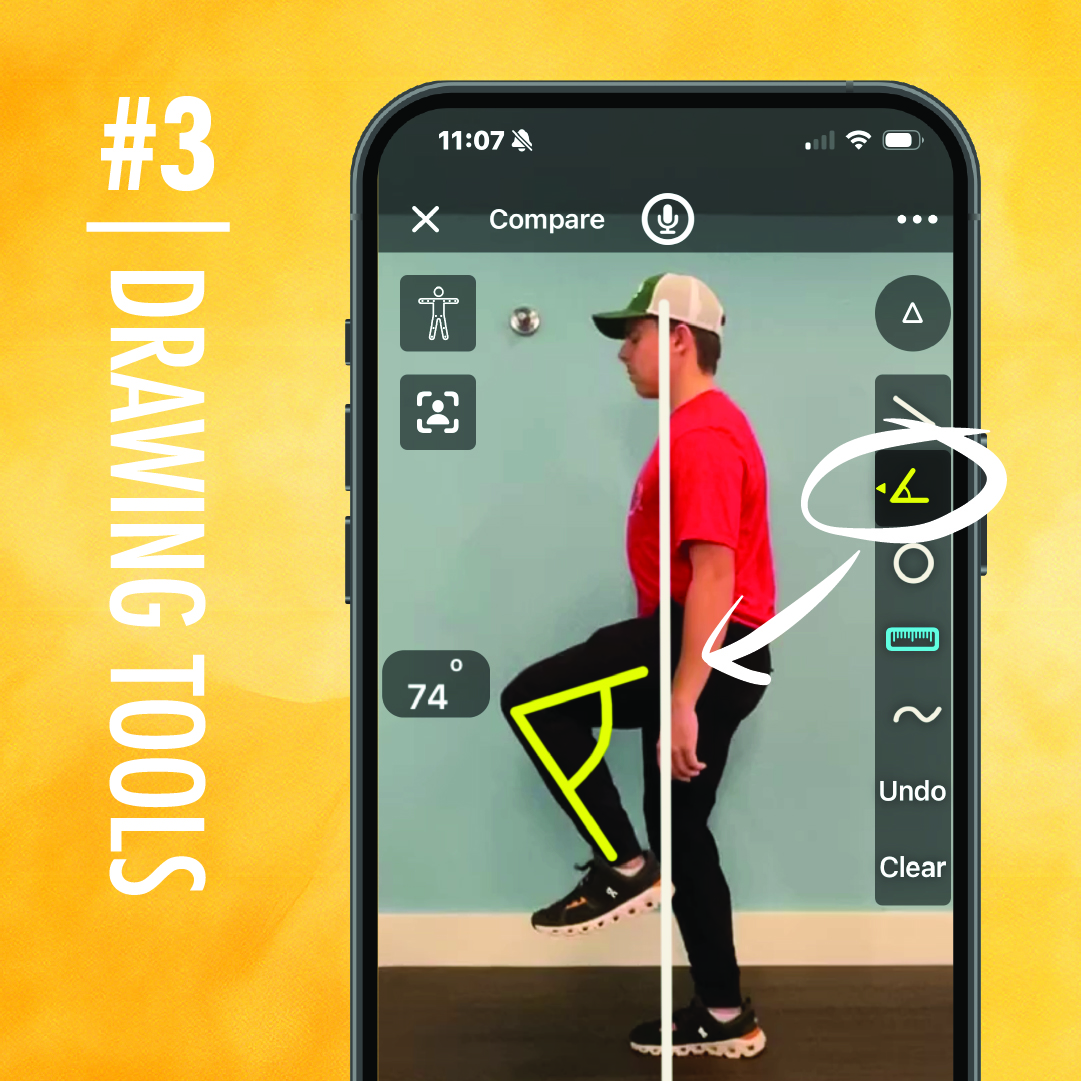
Drawing tools made it into the top three for a reason—they’re simple and effective. Whether you’re circling areas to focus on, adding lines to track movement, or highlighting specific actions, drawing tools make it simple to break down the details for your athletes. It’s great for visual learners and helps them understand exactly what they need to adjust.
#2 Side-by-Side Comparison
This tool is consistently one of the most talked-about features. Coaches love using side-by-side comparison to show how an athlete has improved over time or to highlight differences in technique. It’s a straightforward way to give feedback, and it’s incredibly helpful for athletes to see their progress visually.
#1 Slow Motion Scrubber
This tool lets you go frame by frame, so you can examine every moment in detail. Whether you’re analyzing a swing, stride, or throw, you can break it down at your own pace. Coaches love it because it’s easy to use and makes it simple to spot the little things that make a big difference.
Which Onform features do you use the most?
We’d love to hear your stories and see how Onform has helped you coach this year! If you haven’t tried it out for yourself yet, download the app and start your FREE 14-day trial. If you’d like to talk to someone first, schedule a demo with a member of our team for a personalized walkthrough!